
Choosing your work bag
How to measure a laptop for a bag
A screen diagonal is a starting point. The device body, protective case and usable sleeve space decide whether it fits comfortably.
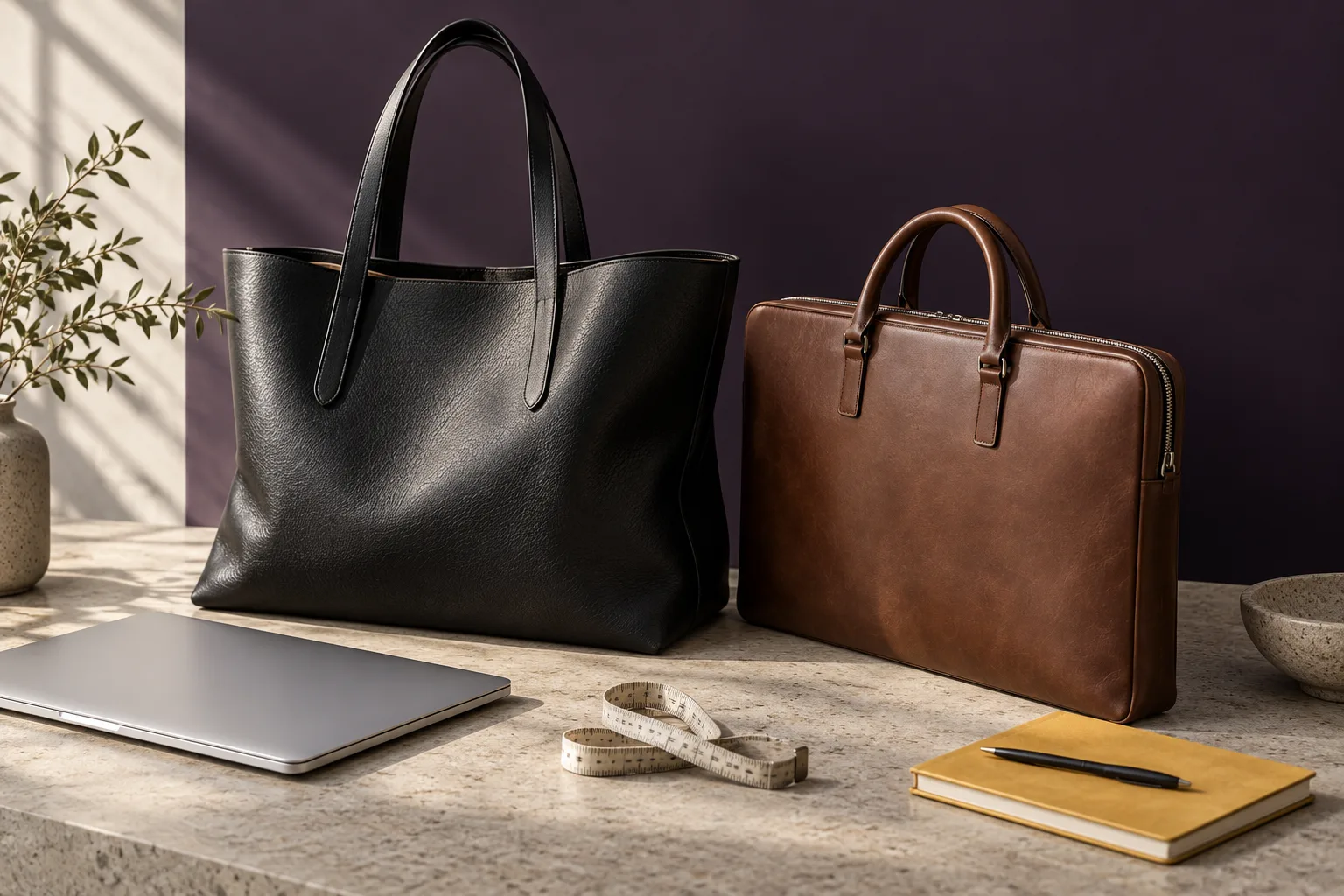
Measure what you actually carry
- Close your laptop and measure its width, depth and thickness. Keep any protective case on if you intend to carry it inside the bag.
- Compare those measurements with the sleeve’s corresponding usable internal axes: width, device depth and device thickness. A seller may call the last two height and depth; ask them to label the orientation. External bag dimensions include padding, lining and structure.
- Check the opening as well as the compartment. A device should slide in and out without stretching the zip or forcing corners past the opening.
- Allow room for your charger, documents and bottle outside the laptop compartment. A bag that closes when empty may feel different with your daily load.
What the ARATE catalogue currently specifies
ARATE is pre-launch. These are catalogue dimensions and laptop-size descriptions, not verified compatibility with a specific device. Usable sleeve measurements and physical fit tests are still pending.
- Laptop Tote Bag: 37–39 × 28–30 × 13–14 cm externally, with a stated 14–16-inch padded sleeve. Its 16–18 L catalogue capacity and bottle holder suit comparing a fuller daily load.
- Executive Laptop Bag: 39 × 29 × 7.5 cm externally, with a stated laptop capacity up to 16 inches. Its slimmer depth and trolley sleeve are useful distinctions when comparing work bags.
- Executive Briefcase: 41 × 31 × 7–8 cm externally, with a stated 16-inch compartment and A4/legal document section. Check document and device space together before deciding.
Compare comfort as well as capacity
The Laptop Tote has a catalogue weight of approximately 980 g and a 22–25 cm handle drop. This is not a measured final sample weight. Add your actual laptop and daily essentials when assessing the total load; handle drop and adjustable strap length also affect how you carry it.
For travel, check the packed bag
A trolley sleeve does not establish cabin eligibility. The Voyager Travel Duffle’s catalogue dimensions are 53 × 27 × 28 cm. Compare all three packed dimensions and the loaded weight with the allowance for your airline, route and fare before travel.
Ask for a device-specific fit check before ordering
When launch availability is confirmed, share your laptop model, body measurements and case thickness with ARATE support. Ask for confirmed usable sleeve and opening measurements before relying on a fit claim. Orders are not currently accepted.
Measure the body, then the opening
Scroll across to see the complete diagram →
Write down the closed device’s width, front-to-back depth and thickness in the same unit. Include the protective case you actually use. Then ask the seller to label the corresponding sleeve measurements: a list of three numbers without axis names is easy to misread.
A worked example
| Measurement | Device with case | Usable sleeve | Difference |
|---|---|---|---|
| Width | 32 cm | 33 cm | 1 cm total |
| Depth | 22 cm | 23 cm | 1 cm total |
| Thickness | 2 cm | 2.5 cm | 0.5 cm total |
Positive differences make this a candidate for a fit check; they are not a recommended minimum clearance. Corners, padding, the opening and the zip path can still prevent easy insertion. The width difference is total space, not 1 cm on each side.
Repeat the check with your daily load
- Place the cased device in the sleeve without forcing it.
- Add the charger, documents and other items you normally carry.
- Check that the closure moves freely and nothing presses sharply against the device.
- Remove and replace the laptop as you would at your desk or airport security.
Until a physical sample and confirmed internal dimensions are available, keep compatibility marked as unverified. A screen-size category is a useful filter, but it cannot replace this check.
Your printable laptop fit worksheet
Use one worksheet for each device and bag combination. Record the model as well as the screen size: two machines described as 16-inch can have different bodies. If you sometimes use a hard shell and sometimes an additional padded sleeve, record each setup separately. Do not subtract the sleeve thickness by guessing.
KEEP YOUR MEASUREMENTS TOGETHER
Laptop fit worksheet
Use centimetres throughout. Include the case or sleeve you will actually carry. This worksheet records a comparison; it does not certify fit or protection. Values stay in this page and are not sent to ARATE.
| Device axis | Device + case (cm) | Usable compartment (cm) |
|---|---|---|
| WidthLeft to right across the closed device | ||
| DepthFront to back across the closed device | ||
| ThicknessBottom to top, including feet and case |
Still unknown? Leave the field blank and request the measurement. A larger outside dimension, screen-size label or positive difference cannot replace an opening and loaded-bag check.
ARATE · arateglobale.com/guides/laptop-bag-fit · Pre-launch fit guidance
How to read the result
If any corresponding device measurement exceeds the usable compartment measurement, that arrangement needs a different bag or a different verified orientation. Do not squeeze the laptop or stretch the closure to make the numbers work. If the numbers look generous, move on to the opening and physical checks; the worksheet has not established a successful fit.
A zip opening can be shorter than the space below it. Rounded corners, seams and pockets can also reduce the path into the sleeve. Ask the seller to describe where the opening was measured, and whether the device can be inserted with its protective sleeve still on. An external product dimension is not an acceptable substitute for that answer.
Send a useful fit enquiry
Include your device model, all three body measurements, case or sleeve details and the ARATE bag you are considering. Explain whether you carry a charger, bottle, documents or a second device. You can print this worksheet or copy the measurements into an email; completing fields here does not send an enquiry.
Request a fit check with your measurements. ARATE can confirm the current evidence status; a physical fit result must wait for the actual device and sample. Keep any fit response with the measurements it refers to, particularly if you later change your case.
Three easy mistakes to avoid
- Mixing units: convert millimetres to centimetres by dividing by ten before comparing. Do not compare a number in inches with one in centimetres.
- Rotating only one measurement: when considering a different orientation, relabel the matching axes together and check the insertion route again.
- Forgetting the daily load: a successful empty-bag check does not show how a bottle, charger or document pack affects the sleeve. Repeat the closure check after packing.
Materials and care
A FEW MORE ANSWERS
Frequently asked questions
Will any 16-inch laptop fit a 16-inch laptop bag?
Not necessarily. The label describes a screen-size category, while device bodies, protective cases and sleeve openings vary. Compare the actual device and usable compartment measurements.
Should I compare my laptop with the bag’s outside dimensions?
Use outside dimensions to judge overall bag size, not guaranteed device fit. Padding, lining, seams and pockets reduce the usable internal space.
How much clearance should a laptop sleeve have?
There is no single clearance that guarantees fit for every bag. The device should enter and leave without forcing the zip or corners. Ask for usable dimensions and, where possible, a physical fit check.
Has ARATE tested my laptop model?
This guide does not confirm compatibility with a particular laptop model. ARATE’s usable sleeve measurements and physical device tests are still pending; request a device-specific update before ordering when sales open.